Telenor Number Check Code 2026 – How to Find Telenor SIM Number Without Balance
Have you just inserted a new Telenor SIM and can’t remember the number? Or did you find an old Telenor SIM with no balance and want to know if it still works? No need to worry. You can check your Telenor number within seconds using a few simple methods.
This updated 2026 Telenor number check guide shows you the quickest ways to find your number without calling customer support or adding balance. Whether you prefer a short USSD code, the Telenor mobile app, or a quick SMS trick, you’ll have your number on screen right away.
Why Do You Need to Check Your Telenor SIM Number?
You often run into moments when you suddenly need your own SIM number. Maybe you bought a new Telenor SIM and forgot to save the number. You might be using multiple SIM cards and want to confirm which one is active. Sometimes you want to share your number but don’t have balance to make a call or send an SMS. You may even keep the SIM in a device without a display and can’t see the number directly.
No matter the situation, knowing how to quickly check your Telenor SIM number saves time and avoids hassle. This guide walks you through the easiest methods so you can get your number instantly whenever you need it.
How to Check Your Telenor Number in Pakistan – Simple & Quick Methods
If you forgot your Telenor number or you just activated a new SIM, don’t worry. You can check it within seconds using any of these reliable methods.
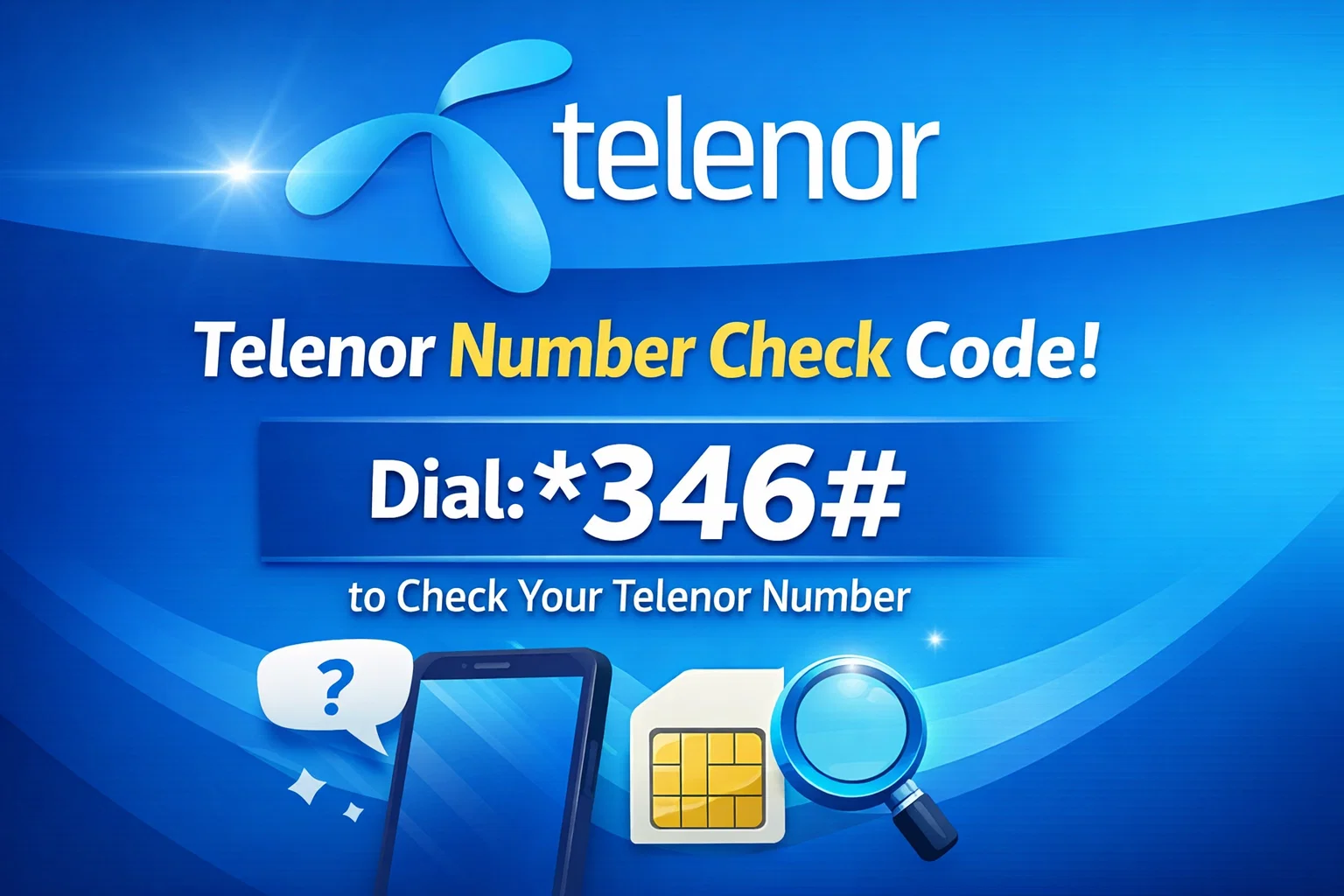
*1️⃣ Dial 8888# (Free & Fast)
The quickest way is through a free USSD code.
How to do it:
- Open your phone’s dialer
- Enter *8888# and tap call
- Your Telenor number appears on the screen instantly
This method works even when you have zero balance.
2️⃣ Send a Blank SMS to 7421
You can check your number by sending an SMS.
Steps:
- Open Messages on your phone
- Send a blank message to 7421
- Telenor will reply with your SIM number
Standard SMS charges may apply.
3️⃣ Use the My Telenor App
If your phone has mobile data or Wi-Fi, the app gives you the complete details.
What to do:
- Install My Telenor App from Play Store or App Store
- Open the app and your number shows right on the home screen
You can also check packages, remaining balance, and data usage.
4️⃣ Check the SIM Card Jacket or Retailer Slip
If you bought a new SIM, look at the packaging.
You can find your number next to:
- MSISDN
- Mobile Number
- Assigned Number
This method helps when the SIM isn’t inserted into a phone.
5️⃣ Call Telenor Helpline 345
If nothing works, customer support will help you.
How:
- Call 345 from any Telenor number
- Share your CNIC or SIM serial number
- The representative will confirm your number
Frequently Asked Questions (FAQs)
Can I check my Telenor number without balance?
Yes! Dial *8888# on your phone and your Telenor number appears on the screen. You can also open the My Telenor App using Wi-Fi to view your number anytime.
Does my SIM need to be active?
You need an active SIM to dial codes or receive network services. If your SIM works properly and shows network signals, you can check your number easily.
What if my SIM is inactive or not showing signals?
If your SIM becomes inactive, insert it into a working phone and try connecting to Wi-Fi. Open the My Telenor App to see your number linked with the SIM. You can also call Telenor customer support or visit the nearest franchise to reactivate your SIM.
If you don’t remember your Telenor SIM number, you can check it within seconds. Just dial 8888#, send a blank SMS to 7421, or open the My Telenor App to view your number instantly. These options work anytime and give you the information you need without stress. Stay connected and keep these simple methods in mind for the next time you forget your number!